


Quick Answer
Cross-device productivity in 2026 spans four different jobs: Notion (all-in-one workspace), Todoist (task management), Evernote (note capture), and WPS Office (Word/Excel/PPT document editing). There is no single best tool for every workflow—platform coverage and cloud sync differ by category, and mobile clients often lack desktop-only actions.
WPS Office fits best when your cross-device workflow centers on office document editing with native apps on Windows, macOS, Linux, iOS, and Android plus web access via WPS 365—not when tasks, wikis, or web clipping are the primary need. Choose Notion for custom wikis and databases, Todoist for fast task capture including wearables, or Evernote for notes and Web Clipper capture.
Key Facts
| Topic | Detail |
|---|---|
| Compared tools | Notion · Todoist · Evernote · WPS Office |
| Query intent | Cross-device productivity across workspace, tasks, notes, and office files |
| Platform caution | Listed OS support ≠ identical feature depth on phone, desktop, and web |
Comparison Table: Cross-Device Productivity at a Glance
| Dimension | Notion | Todoist | Evernote | WPS Office |
|---|---|---|---|---|
| Primary job | Workspace | Tasks | Notes | Office docs |
| Desktop | Mac · Win · no Linux | Linux · Mac · Win | Mac · Win | Win · Mac · Linux |
| Mobile | iOS · Android | Phone · Watch · Wear | iOS · Android | iOS · Android |
| Web | Browser app | Extensions | Web Clipper | WPS 365 |
| Platform gap | No Linux desktop | Verify offline | Plan-dependent sync | 1 GB cloud · PC/Android pricing |
| Dimension | Notion | Todoist | Evernote | WPS Office |
|---|---|---|---|---|
| Primary use case | All-in-one workspace for pages, databases, tasks, and team docs per Notion product positioning | Dedicated task and project management with quick capture and scheduling per Todoist product positioning | Digital note-taking, capture, and organization with Web Clipper per Evernote download page | Cross-device office document editing: Word, Excel, and PPT in an all-in-one suite per WPS Academy |
| Desktop platforms | Notion desktop apps for macOS and Windows via notion.com/desktop; no official Linux desktop app per Notion Help | Todoist apps for Linux, Mac, and Windows per official Downloads page | Evernote desktop downloads for Mac and Windows per evernote.com/download | WPS available on Windows, macOS, and Linux per WPS Academy download banner |
| Mobile apps | Notion iOS and Android apps to read, edit, and comment on content per Notion Help | Todoist apps for iPhone, iPad, Android, Apple Watch, and WearOS per official Downloads page | Evernote mobile apps via App Store and Google Play per evernote.com/download | WPS available on iOS and Android per WPS Academy download banner |
| Web access | Notion accessible in Chrome, Safari, and Edge browsers per Notion Help for web | Todoist browser extensions available per official Downloads page | Evernote Web Clipper browser extension to save web content per evernote.com/download | WPS 365 (WPS Office Web) cloud dashboard to create and access documents from cloud storage per WPS Academy |
| Cloud sync continuity | Notion is cloud-based; content syncs automatically when connected to the web per Notion Help | Editorial check: Todoist is cloud-synced task data across clients; do not claim instant sync latency or offline conflict resolution without Todoist Help citation | Editorial check: Evernote syncs notes across devices; exact sync and offline rules vary by plan—verify live Evernote help before publish | WPS Standard includes 1 GB cloud space for document access across devices per official WPS pricing page |
| Offline access | Editorial check: Notion Help emphasizes web connectivity for sync; offline behavior varies by client—do not claim full offline parity without current Notion offline docs | Editorial check: Verify Todoist offline task access limits on live Todoist Help before deep offline claims | Editorial check: Evernote offline notebook access is plan-dependent—verify on live evernote.com before quoting | Editorial check: WPS desktop and mobile apps support local editing; cloud sync continuity depends on account and plan—do not claim unlimited offline-to-cloud sync |
| Collaboration and sharing | Notion supports real-time collaboration on pages and synced blocks across workspace locations per Notion Help synced blocks | Todoist Business tier supports team projects and shared templates per pricing page; free Beginner tier has collaboration limits | Editorial check: Evernote supports shared notebooks on qualifying plans; verify live feature list before deep sharing claims | Editorial check: This comparison scopes WPS to cross-device office file editing; do not position WPS as a team wiki or task-sharing tool without separate WPS Docs facts |
| Free tier | Notion Free plan listed at $0 per member/month on official pricing page | Todoist Beginner free tier to start organizing per official pricing page | Editorial check: Evernote free tier availability and limits must be verified on live evernote.com/compare-plans before publish | WPS Office described as a free all-in-one suite per WPS Academy; WPS Standard pricing details require recheck on wps.com/pricing before publish |
| Best for | Editorial: Teams and individuals building custom wikis, project hubs, and databases who need one workspace across Mac, Windows, web, iOS, and Android | Editorial: Individuals and small teams who want fast cross-device task capture and scheduling including wearables | Editorial: Users who capture web articles, receipts, and research notes and need Mac, Windows, iOS, and Android continuity | Editorial: Users who move Word, Excel, and PPT files across Windows, macOS, Linux, iOS, Android, and web and need Microsoft-format compatibility |
| Watch out | Editorial check: No official Linux desktop app; mobile lacks some desktop-only admin, import, and billing actions per Notion Help | Editorial check: Paid Pro and Business pricing and task/project limits must be verified on live todoist.com/pricing before publish | Editorial check: Plan pricing and storage quotas must be verified on live evernote.com; do not cite stale third-party pricing | Editorial check: Listed WPS prices apply to PC and Android per WPS pricing footnote; 1 GB Standard cloud is smaller than note/task app expectations; verify target files for Microsoft compatibility |
Notion — Wiki and Database Hub (Mac, Windows, Web, Mobile)
Notion targets structured team knowledge: pages, databases, and synced blocks that update across workspace locations per Notion Help. Desktop apps cover macOS and Windows only—there is no official Linux desktop client. Mobile apps on iOS and Android support read, edit, and comment, but some admin, import, and billing actions remain desktop-only.
Best for: Custom wikis, project hubs, and linked databases—not Word/Excel/PPT file editing. Watch out: Editorial check: Offline and sync behavior varies by client; verify current Notion offline docs before deep offline claims.
Todoist — Tasks on Desktop, Phone, Watch, and Browser
Todoist is built for quick task capture and scheduling across the widest client list in this comparison: Linux, Mac, Windows, iPhone, iPad, Android, Apple Watch, and WearOS plus browser extensions per its Downloads page. A Beginner (free) tier is available per todoist.com/pricing.
Best for: Personal and small-team task lists with wearable capture—not document editing or note archives. Watch out: Editorial check: Verify Pro and Business pricing and project limits on live todoist.com/pricing before publish.
Evernote — Notes and Web Clipper (No Linux Desktop)
Evernote centers on note capture and organization with a Web Clipper extension to save articles and research from the browser per evernote.com/download. Desktop downloads cover Mac and Windows; mobile apps run on iOS and Android. There is no Linux desktop app in Evernote’s official download list.
Best for: Clipped web content, receipts, and research notes—not spreadsheet or presentation editing. Watch out: Editorial check: Sync rules, storage, and offline notebook access are plan-dependent—verify live evernote.com/compare-plans.
WPS Office — Pick Up Office Files on Phone, Tablet, or Desktop
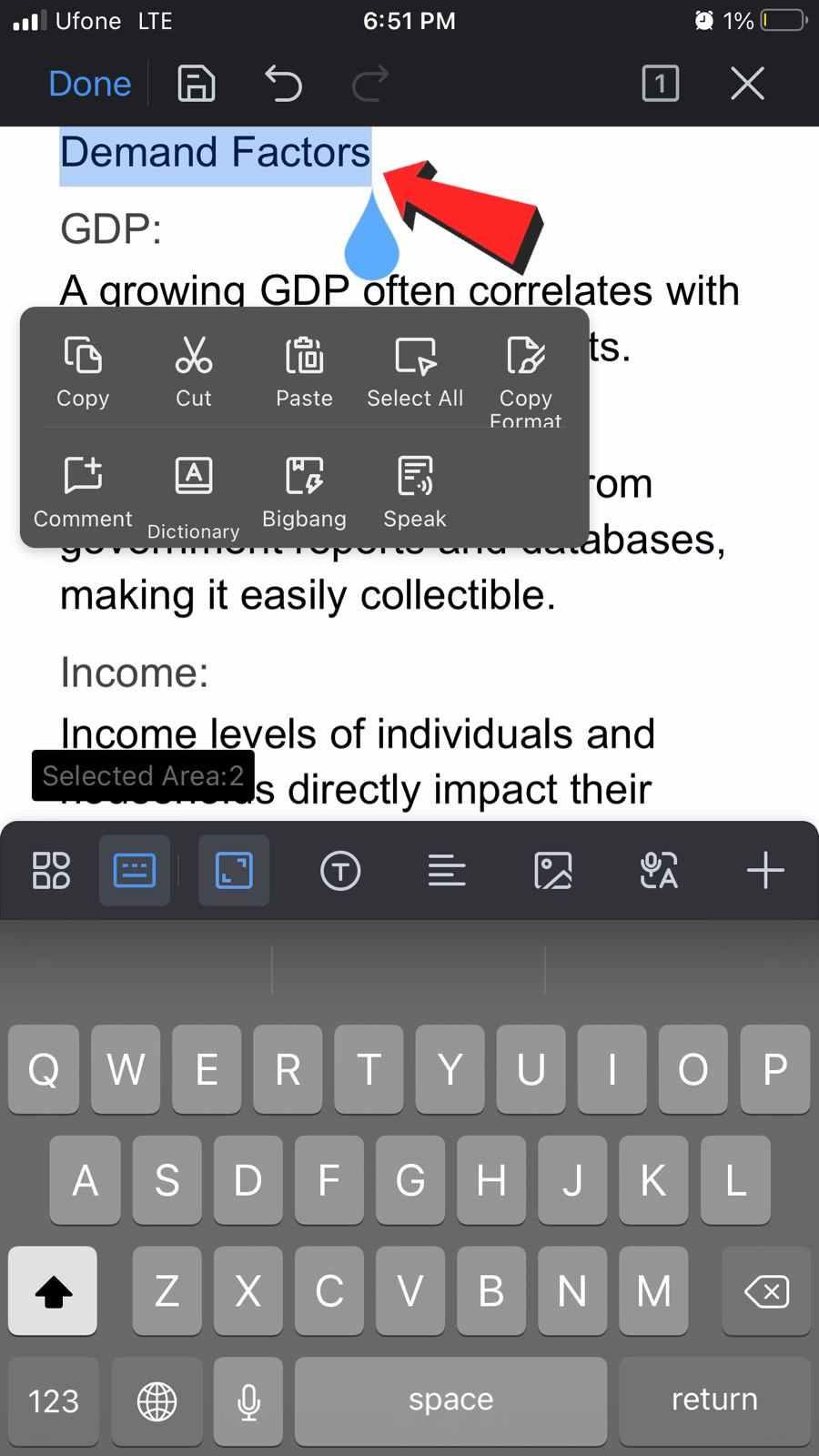
In this productivity set, WPS Office is the document-editing lane—not the task list, wiki, or clipper. Use it when your cross-device workflow means opening the same .docx, .xlsx, or .pptx file on a Windows laptop, an Android phone, or WPS 365 in a browser. WPS lists native clients on Windows, macOS, Linux, iOS, and Android per WPS Academy. WPS Standard includes 1 GB cloud space for file continuity per wps.com/pricing—smaller than note or task app expectations, but scoped to office files.
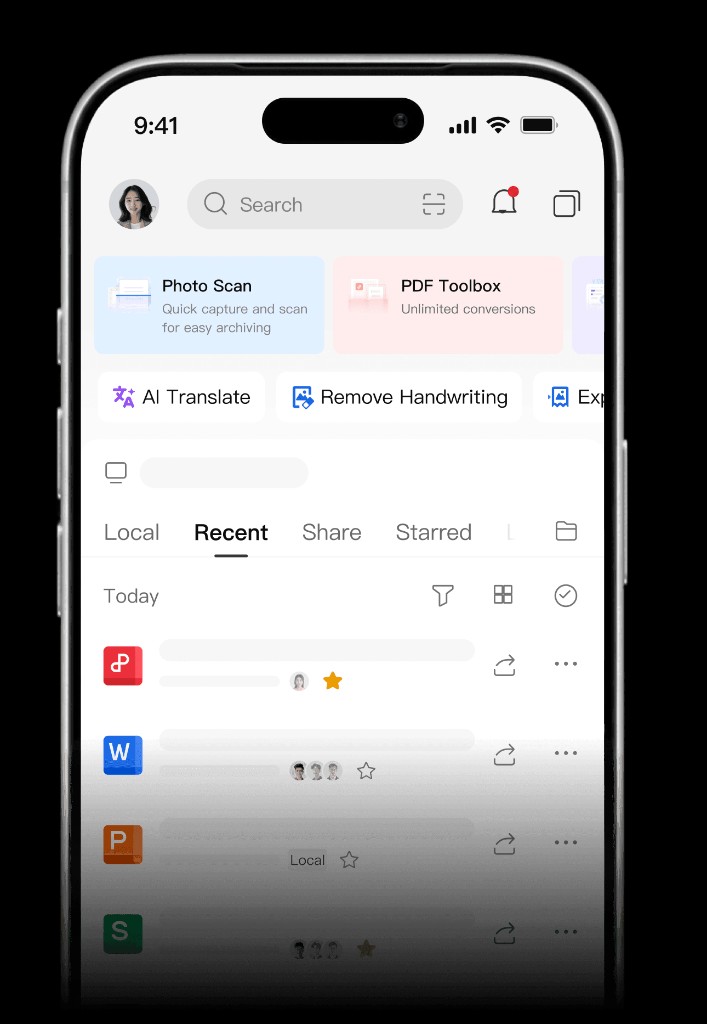
Best for: Office files that must stay editable across five OS families plus web—not tasks, wikis, or web clipping. Watch out: Editorial check: Listed prices apply to PC and Android; 1 GB cloud is smaller than Evernote or OneDrive tiers; verify Microsoft-format fidelity on your files.
Learn more about WPS Office
Product overview: What is WPS Office?
Web access: How to use WPS Office Web
Pricing: WPS Pricing
How to Choose by Workflow
Match the tool to what you actually move between devices:
Tasks and reminders → Todoist
Wikis, databases, and team docs → Notion
Note capture and Web Clipper → Evernote
Word, Excel, and PPT files → WPS Office
Listed OS support does not guarantee identical editing depth on every surface.
FAQ
What is the best cross-device productivity tool?
There is no universal winner. Notion fits all-in-one workspace workflows; Todoist fits task lists and scheduling; Evernote fits note capture with Web Clipper; WPS Office fits cross-device office document editing when Word, Excel, and PPT files are your primary content—not tasks or wikis.
Can I use one app for tasks, notes, and office files on every device?
No single app in this set covers all four jobs equally. Route tasks to Todoist, wikis to Notion, clipping to Evernote, and office files to WPS Office.
Which tool has the widest platform coverage?
Todoist lists the most client types including Linux desktop and wearables. WPS Office covers five OS families plus WPS 365 web. Notion lacks an official Linux desktop app. Evernote covers Mac, Windows, iOS, and Android.
Sources and Last Reviewed
Last reviewed: 2026-06-30



