

'%3e%3cpath%20d='M7.99997%208H30.754V30.744H7.99997V8ZM33.246%208H56V30.744H33.246V8ZM7.99997%2033.246H30.754V56H7.99997V33.246ZM33.246%2033.246H56V56H33.246'%20fill='%230087FF'%20/%3e%3c/g%3e%3cdefs%3e%3cclipPath%20id='clip0_37_624'%3e%3crect%20fill='white'%20height='48'%20transform='translate(7.99997%208)'%20width='48'%20/%3e%3c/clipPath%3e%3c/defs%3e%3c/svg%3e)
WPS Office for
Windows
Download WPS Office for PC, fully optimized for Windows 11/10/8.
'%3e%3cstop%20offset='0'%20stop-color='%23391ef0'/%3e%3cstop%20offset='1'%20stop-color='%235dabff'/%3e%3c/linearGradient%3e%3clinearGradient%20id='icon-256-logo-ai-v1-g1'%20x1='0'%20y1='0.5'%20x2='1'%20y2='0.5'%20gradientTransform='matrix(-1.1603561542763454%20-2.029595748722483e-14%201.6849538795808504e-15%20-1.0775765482488853%201.1221874503325953%200.5387882741244623)'%3e%3cstop%20offset='0'%20stop-color='%2337b2fc'/%3e%3cstop%20offset='1'%20stop-color='%232052fc'/%3e%3c/linearGradient%3e%3clinearGradient%20id='icon-256-logo-ai-v2-g2'%20x1='0'%20y1='0.5'%20x2='1'%20y2='0.5'%20gradientTransform='matrix(-0.819979740677445%20-0.8603650957330012%200.7293719576520754%20-0.7384159647925725%200.45709711785879775%201.2338690791584153)'%3e%3cstop%20offset='0'%20stop-color='%23ffaa8f'/%3e%3cstop%20offset='1'%20stop-color='%23ee00ff'/%3e%3c/linearGradient%3e%3c/defs%3e%3cg%20transform='translate(0.19%203.56)'%3e%3cpath%20d='M9.6%200L14.8%200C15.09%200%2015.32%200.23%2015.32%200.52C15.32%200.59%2015.3%200.67%2015.27%200.74L8.2%2015.33C7.73%2016.28%206.77%2016.88%205.72%2016.88L0.52%2016.88C0.23%2016.88%200%2016.65%200%2016.36C0%2016.29%200.02%2016.21%200.05%2016.14L7.12%201.55C7.59%200.6%208.55%200%209.6%200Z'%20fill='url(%23icon-256-logo-ai-v0-g0)'%20fill-rule='nonzero'/%3e%3c/g%3e%3cg%20transform='translate(8.28%203.56)'%3e%3cpath%20d='M6.71%200C7%200%207.23%200.23%207.23%200.52C7.23%200.59%207.21%200.67%207.18%200.74L3.67%207.97L0%200.45C0.44%200.16%200.97%200%201.51%200L6.71%200Z'%20fill='url(%23icon-256-logo-ai-v1-g1)'%20fill-rule='nonzero'/%3e%3c/g%3e%3cg%20transform='translate(11.95%2011.53)'%3e%3cpath%20d='M8.5%201.55L11.71%208.17C11.83%208.42%2011.73%208.73%2011.47%208.86C11.4%208.89%2011.32%208.91%2011.24%208.91L6.05%208.91C4.99%208.91%204.03%208.31%203.57%207.36L0%200L6.02%200C7.08%200%208.04%200.6%208.5%201.55Z'%20fill='url(%23icon-256-logo-ai-v2-g2)'%20fill-rule='evenodd'/%3e%3c/g%3e%3c/svg%3e)

Get a free WPS Office download for Windows, Mac, Linux, Android, and iOS. Use Writer, Spreadsheet, Presentation, and PDF tools, or try WPS online tools in your browser.
Choose a WPS Office download for Windows, Mac, Linux, Android, or iOS. WPS Office works with Microsoft Office file formats across Writer, Spreadsheet, Presentation, and PDF.
Download WPS Office for PC, fully optimized for Windows 11/10/8.

Get WPS Office for Mac with native support for Apple Silicon (M1/M2/M3/M4) and Intel processors.

Download WPS Office for Linux in .deb and .rpm formats for Ubuntu, CentOS, and Deepin.
'%3e%3cpath%20d='M32%205C47.0691%205%2059%2016.933%2059%2032C59%2047.0691%2047.067%2059%2032%2059C16.933%2059%205%2047.0691%205%2032C5%2016.933%2016.933%205%2032%205ZM27.8955%2024.0322C23.3097%2024.0323%2020.4336%2027.1058%2020.4336%2032.0215C20.4336%2036.9371%2023.3094%2040%2027.8955%2040C32.4705%2040%2035.3466%2036.9371%2035.3467%2032.0215C35.3467%2027.1058%2032.4708%2024.0322%2027.8955%2024.0322ZM42.7217%2024.0322C39.3012%2024.0322%2036.8721%2025.8853%2036.8721%2028.627C36.8722%2030.8327%2038.2447%2032.2031%2041.1416%2032.8564L43.1787%2033.3281C45.1613%2033.7886%2045.9678%2034.4311%2045.9678%2035.5449C45.9678%2036.83%2044.6492%2037.751%2042.7539%2037.751C40.8369%2037.7509%2039.3881%2036.8188%2039.2139%2035.3945H36.4902C36.6101%2038.2433%2038.9852%2040%2042.6016%2040C46.4032%2040%2048.7997%2038.158%2048.7998%2035.2236C48.7998%2032.9211%2047.4494%2031.6247%2044.2578%2030.9072L42.4492%2030.501C40.5212%2030.0512%2039.7266%2029.4509%2039.7266%2028.4229C39.7267%2027.1379%2040.9248%2026.2812%2042.7002%2026.2812C44.4974%2026.2814%2045.7276%2027.1491%2045.8584%2028.5947H48.5381C48.4727%2025.8745%2046.1856%2024.0322%2042.7217%2024.0322ZM16.1523%2039.7432H18.8652V28.3906H16.1523V39.7432ZM27.8955%2026.3877C30.695%2026.3877%2032.4814%2028.573%2032.4814%2032.0215C32.4814%2035.4591%2030.6949%2037.6436%2027.8955%2037.6436C25.0852%2037.6435%2023.3096%2035.4591%2023.3096%2032.0215C23.3096%2028.5731%2025.0852%2026.3878%2027.8955%2026.3877ZM17.5029%2024C16.6645%2024.0002%2016.0002%2024.6425%2016%2025.4561C16%2026.2592%2016.6643%2026.9022%2017.5029%2026.9023C18.3526%2026.9023%2019.0176%2026.2592%2019.0176%2025.4561C19.0173%2024.6423%2018.3524%2024%2017.5029%2024Z'%20fill='black'%20/%3e%3c/g%3e%3cdefs%3e%3cclipPath%20id='clip0_37_1034'%3e%3crect%20fill='white'%20height='54'%20transform='translate(5%205)'%20width='54'%20/%3e%3c/clipPath%3e%3c/defs%3e%3c/svg%3e)
Download the WPS Office app for iPhone to view, edit, and share documents anywhere.

Download the WPS Office app for Android and edit documents on the go.
Convert PDF, JPG, Word, and XML files online with WPS AI, including PDF to Word, JPG to Word, Compress PDF, Word to JPG, Word to PDF, and XML to PDF.
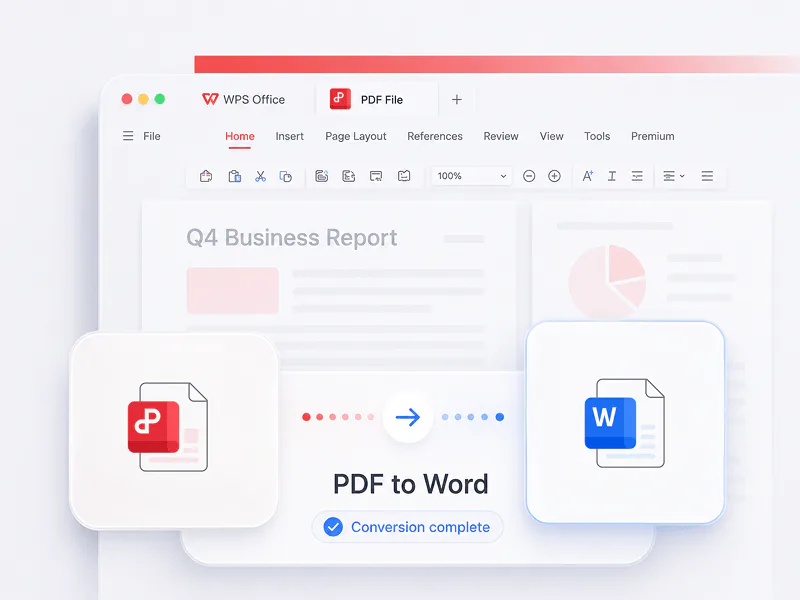
Convert PDF files to editable Word documents online with WPS AI, then edit and share the converted result.
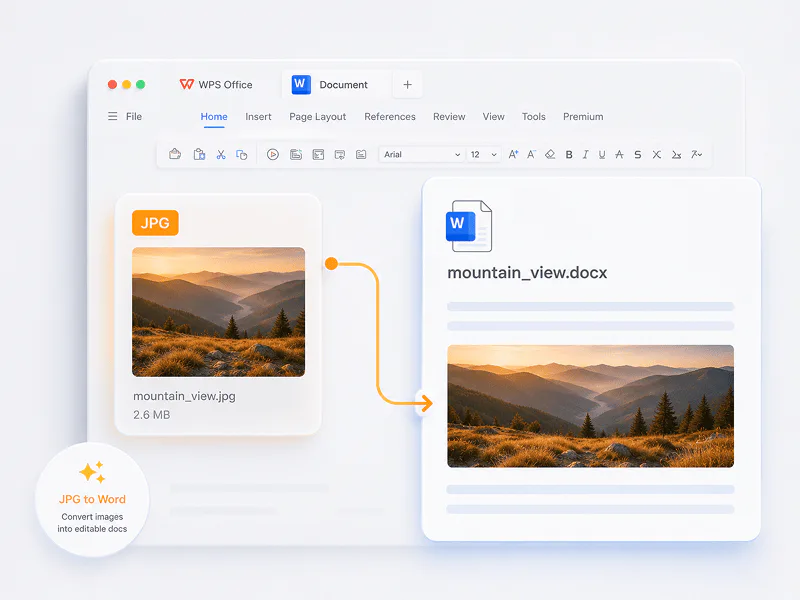
Convert JPG images to editable Word files online for easier document editing, reuse, and sharing.
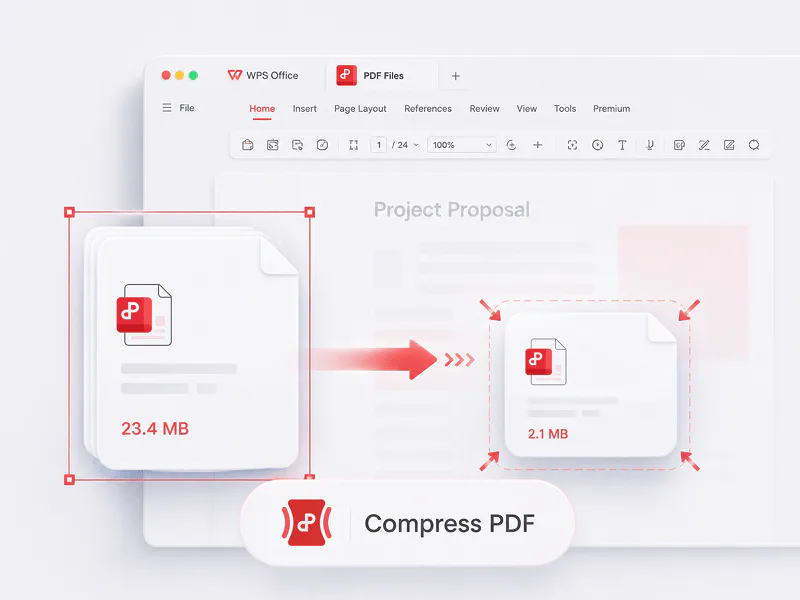
Compress PDF files online to reduce document size while keeping them convenient to share, upload, and store.
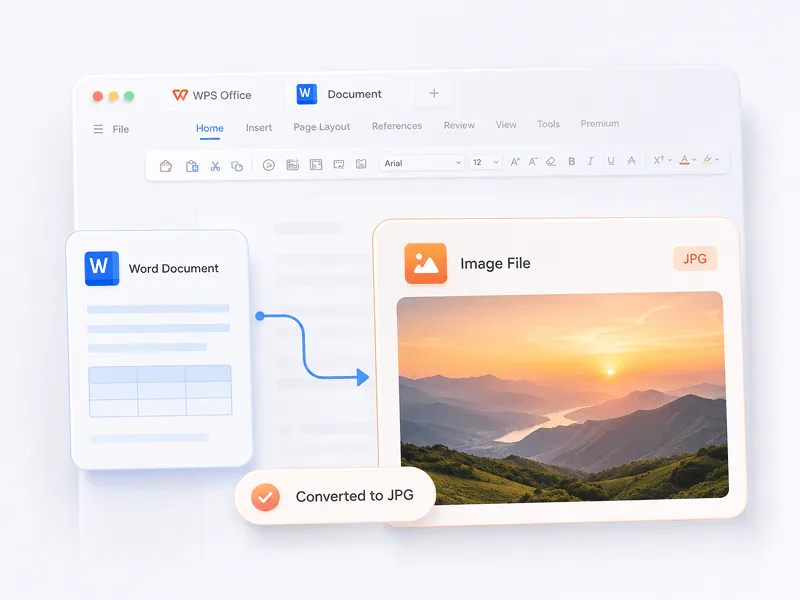
Convert Word documents to JPG images online for quick previews, visual sharing, and easy use across devices.
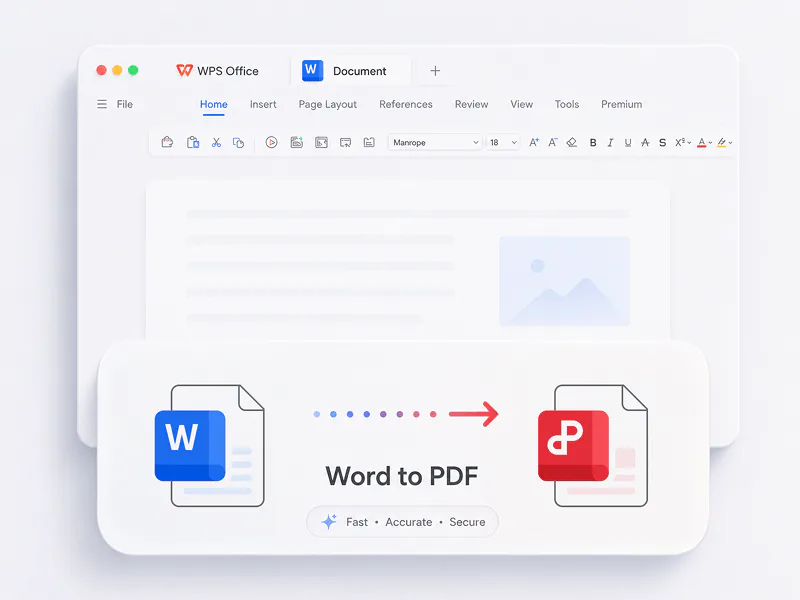
Convert Word documents to PDF online for consistent sharing, printing, and document archiving.
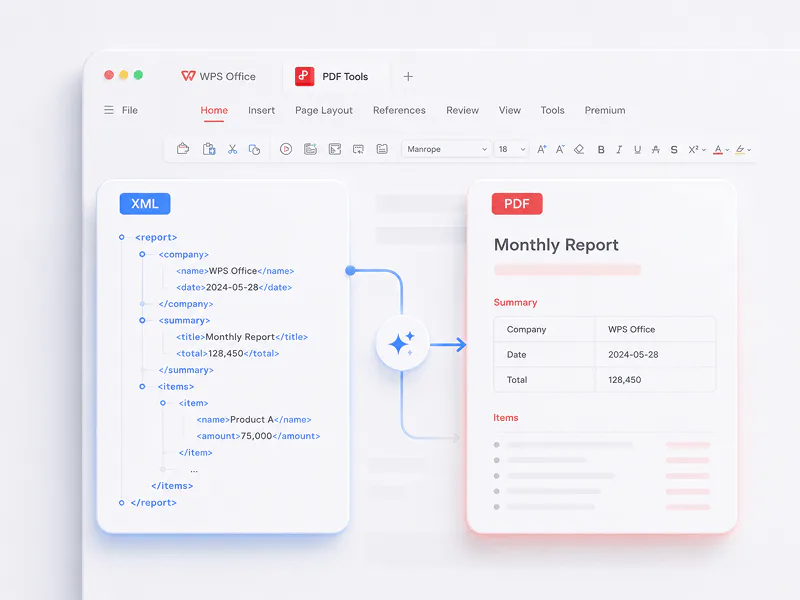
Convert XML files into readable PDF documents online for easier review, sharing, and presentation.
Convert mesh, CAD, and BIM files online with WPS AI.
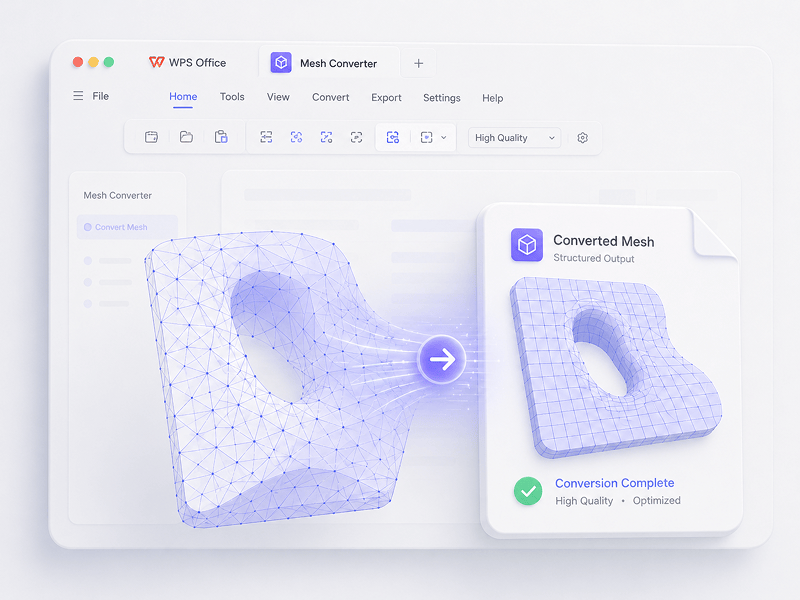
Convert OBJ, STL, FBX, GLB/glTF, DAE, 3DS, X, 3MF, OFF, AC3D, and PLY to OBJ, STL, FBX, GLB/glTF, DAE, 3MF, or PLY.
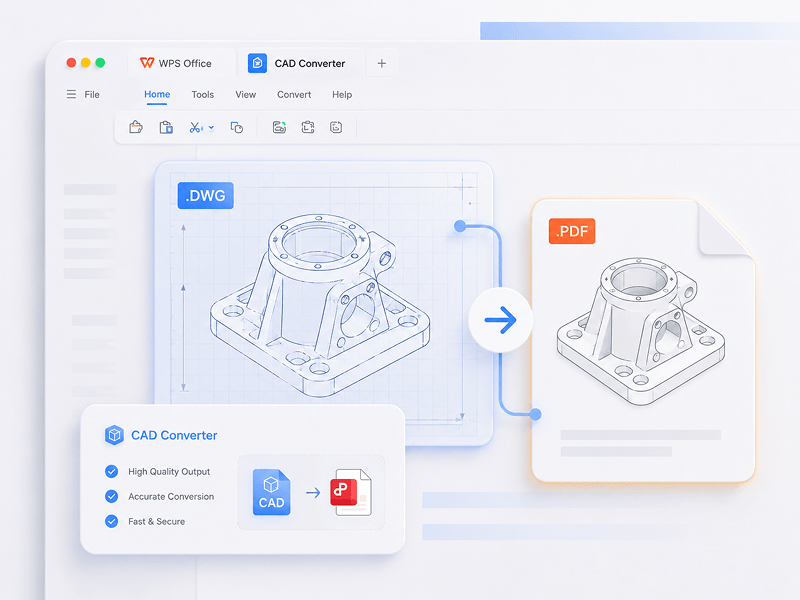
Convert STEP, IGES, AutoCAD, CATIA V5, NX, Creo, SolidWorks, Parasolid, Inventor, JT, PRC, ACIS, or Solid Edge to GLB/glTF, FBX, OBJ, or STL.
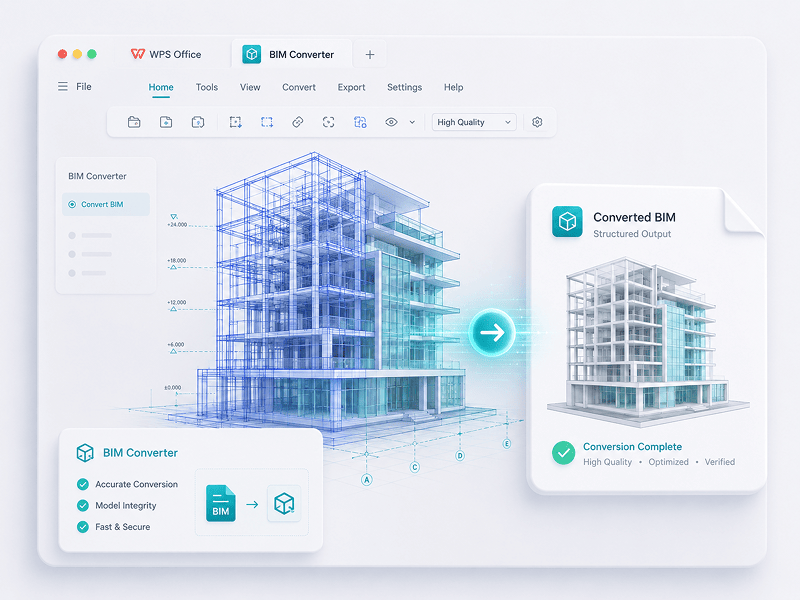
Convert IFC, Revit, Navisworks, DWF, AutoCAD DWG/DXF, and SKP files to GLB/glTF, FBX, OBJ, or STL.
Download WPS Office free for Windows, Mac, Linux, Android, and iOS. Get Writer, Spreadsheet, Presentation, PDF tools, and WPS AI in one office suite for work, study, and everyday documents.

A single WPS free download covers Writer, Spreadsheet, Presentation, and PDF. It is fully compatible with Microsoft Word, Excel, and PowerPoint, ensuring your files always open correctly without formatting loss.

Once you complete the WPS download process, you gain access to WPS Copilot. From drafting emails, writing articles, to summarizing long PDF documents and analyzing spreadsheets, AI works seamlessly within your document.

When you opt for a download WPS Office for Windows alongside a mobile app, your work travels with you. Changes made on your desktop are instantly synced to your Android or iOS device via our secure cloud.

A primary reason users search for WPS download free is its performance. Our installer is exceptionally small compared to other suites, guaranteeing lightning-fast startup times even on older hardware.
Yes. WPS Office is free to download and use on PC. The core suite — Writer, Spreadsheet, Presentation, and PDF — is available at no charge, while optional premium features are available for advanced needs.
Choose the download option for your platform on this page to get WPS Office for PC, Mac, Linux, Android, or iOS.
The core WPS Office download includes Writer, Spreadsheet, Presentation, and PDF tools for common document workflows.
Choose the Offline Installer option near the top of this WPS Office download page to access the offline installation option.
Yes. WPS Office supports common Microsoft Word, Excel, and PowerPoint file formats, so you can open, edit, and save compatible documents.
Yes. WPS Office PDF tools can open, read, edit, convert, and manage standard PDF files created with Adobe Acrobat or other PDF applications.
Yes. Export the Notion page or database to a file format supported by WPS Office, such as PDF, then open or manage the exported file in WPS Office.
Yes. Export the WPS Office document as PDF or another format supported by the target AI tool, then upload the exported file. This does not imply a direct integration.
Open this WPS Office download page and choose the Windows option to get the PC installer. The core WPS Office suite is free to download and use.
This page provides official WPS Office download options for both Mac and Linux, so you can choose the installer for your desktop platform.
Yes. The WPS Office download for Windows is optimized for supported Windows desktop versions, including Windows 10 and Windows 11.
Yes. Download the installer for Windows, Mac, or Linux from the corresponding platform option on this page.
Yes. The WPS Office download options include mobile apps for Android and iOS, in addition to the Windows, Mac, and Linux desktop versions.
Choose the Android option on this WPS Office download page to open the official Google Play download entry.
Choose the iOS option on this WPS Office download page to open the official App Store download entry.
Yes. The WPS Office mobile apps let you view, edit, and share documents on the go.
Yes. WPS provides online tools for PDF conversion and document workflows in your browser. Download WPS Office when you need the full desktop or mobile suite.
Yes. WPS provides browser-based PDF conversion tools, including PDF to Word and other popular online tools, without requiring the full desktop download.
Yes. Use the online PDF to Word tool in your browser to convert PDF files without downloading the full WPS Office desktop suite.
You can use popular browser-based tools for PDF conversion and other document workflows without downloading the full desktop app.
Yes. Sign in to the same WPS Office account on your desktop and mobile devices to sync documents and continue working across platforms.
Yes. Sign in to your WPS Office account on each device to sync documents through secure cloud storage.
Yes. Changes made on your desktop can sync to your Android or iOS device when you use the same WPS Office account.
Yes. Download WPS Office on your desktop or mobile device, sign in to the same account, and continue working with synced documents.

